
A Step-by-Step Guide to Boost Your Website Rankings
Every website has a story, but sometimes search engines like Google struggle to read it. That’s why knowing how to conduct a technical SEO site audit is essential for anyone who wants their site to rank higher. A proper audit ensures that your pages are crawlable, indexable, fast, secure, and mobile-friendly — all factors that influence your search engine performance.
In this guide, we break it down into simple steps, explain common issues, and provide practical tips. Whether you manage a small business site or a large e-commerce store, this guide will help you get started.
How to Conduct a Technical SEO Site Audit PDF
For those who prefer offline reference, you can use a technical SEO audit PDF. These PDFs often include:
- Step-by-step instructions
- Technical SEO audit checklist
- Sample reports
- Recommended SEO audit tools
- Having a PDF is handy when performing audits on multiple websites or sharing instructions with your team.
How to Conduct a Technical SEO Site Audit Example
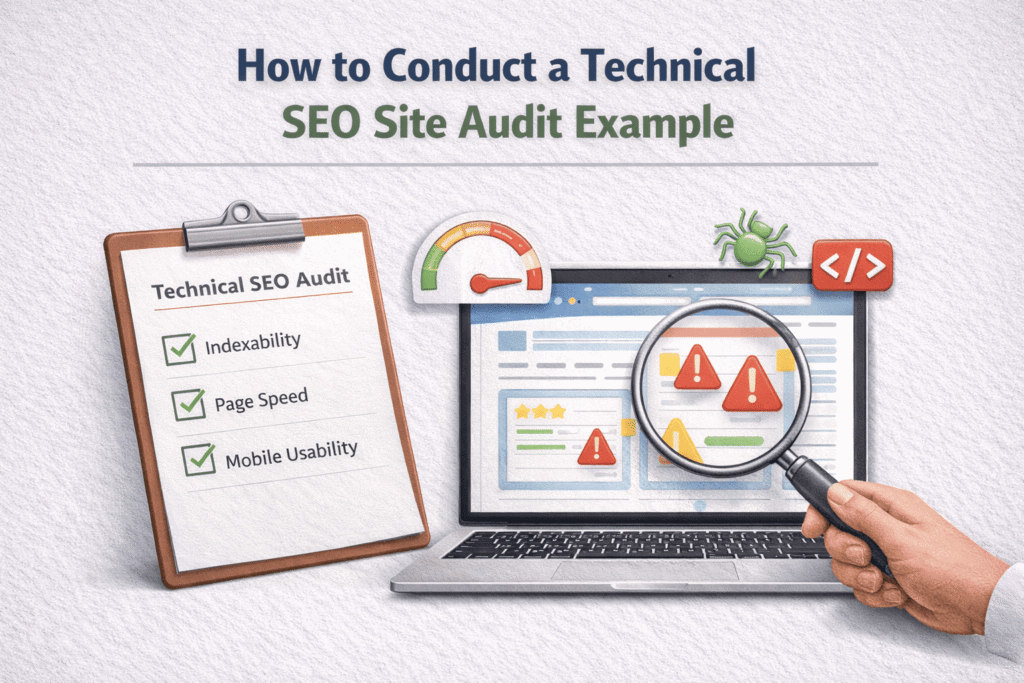
Learning by example makes auditing easier. A technical SEO audit example typically includes:
- A crawlability report showing blocked pages
- A list of broken links and 404 errors
- Page speed and Core Web Vitals analysis
- eta title and description evaluation
- For instance, imagine a small business blog where Google can’t crawl product pages. The audit highlights this issue, making it obvious which pages need attention.
echnical SEO Audit Checklist
A structured technical SEO audit checklist ensures no critical issues are missed. Key steps include:
- Crawlability & Indexing – Use Google Search Console to check for errors.
- Site Structure & Navigation – Confirm logical hierarchy and intuitive menus.
- Page Speed & Core Web Vitals – Test using PageSpeed Insights.
- Broken Links & Redirects – Identify 3XX, 4XX, and 5XX errors.
- Duplicate Content & Meta Issues – Ensure unique titles and descriptions.
- Mobile Optimization – Verify mobile-friendliness.
- HTTPS & Security – Check SSL certificates and mixed content.
- Internal Linking – Ensure pages distribute link equity properly.
- Following this checklist provides a solid foundation for your technical SEO efforts.
Technical SEO Audit Free Tools
You don’t need expensive software to start. Here are some technical SEO audit free tools:
- SEOPtimer – Automated website audit tool for beginners
- Google Search Console – Crawl, index, and coverage data
- Page Speed Insights – Page performance metrics
- Screaming Frog Free Version – Crawl up to 500 URLs
- Even free tools give actionable insights, helping small businesses improve SEO without a large budget.
SEOptimer for Technical SEO
SEOptimer is a user-friendly auditing tool that scans your site for:
- Broken links
- Page speed issues
- Mobile usability problems
- HTTPS & security issues
- Meta data optimization
- It generates a visual report highlighting issues by severity, so you know exactly what to fix first.
Website Audit Checklist
A full website audit checklist should cover:
- Crawlability and indexability
- Duplicate content Detection
- Page speed and Core Web Vitals
- Internal linking and navigation
- Mobile usability and security
Using a checklist ensures that you audit all areas of your website systematically, reducing the chance of missing something critical.
SEO Audit Tools You Should Know
Using multiple SEO audit tools provides a well-rounded view. Popular tools include:
- SEOptimer – Beginner-friendly and automated
- Screaming Frog SEO Spider – Advanced site crawling
- Google Search Console – Official crawl and index reporting
- Ahrefs & SEMrush – Comprehensive audits with backlinks and content insights
- These tools help identify both obvious and hidden issues that could hurt your rankings.
SEO Website Audit Tool Recommendations
A robust SEO website audit tool ensures audits are:
- Automated and repeatable
- Easy to interpret with actionable recommendations
- Trackable over time to see improvements
- Choosing the right tool can save time and make auditing easier, especially for large websites.
Step-by-Step Process How to Conduct a Technical SEO Site Audit
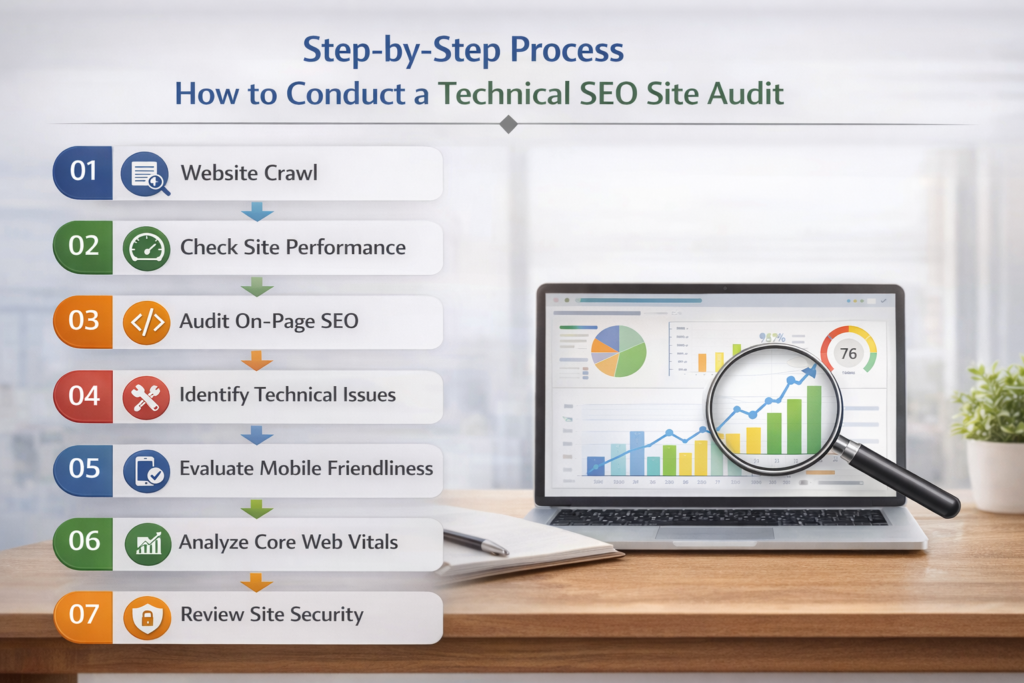
Here is the step-by step- guide that How to Conduct a Technical SEO Site Audit
- Set Up a Crawl – Use your audit tool to scan the entire site.
- Review Site Health – Check for errors, warnings, and notices.
- Check Robots.txt & Sitemap.xml – Ensure proper crawling and indexing.
- Evaluate Site Structure & Navigation – Flatten your hierarchy and use breadcrumbs.
- Identify Broken Links – Fix 404s and orphaned pages.
- Audit Meta Tags – Titles, descriptions, and canonical tags should be optimized.
- Check Mobile-Friendliness & AMP – Make sure pages render correctly on mobile devices.
- Analyze Page Speed – Optimize images, JS, and CSS.
- Check HTTPS & Security – Renew certificates and fix mixed content.
- Review Structured Data – Use Schema.org to enhance SERP results.
Conclusion
Mastering how to conduct a technical SEO site audit helps you uncover hidden issues, improve your website’s performance, and boost your search rankings. By combining technical SEO audit checklists, free tools, and professional SEO website audit tools, anyone can confidently optimize their site for both search engines and users.
Start auditing today, fix critical errors, and watch your website climb in the search results. The sooner you begin, the sooner your website gains authority, traffic, and visibility.
FAQ’s..
How to perform a technical SEO audit?
Crawl your website using tools like Google Search Console or Screaming Frog. Check crawlability, indexing, site speed, mobile-friendliness, HTTPS, broken links, duplicate content, and structured data. Fix critical errors first, then optimize performance issues.
How to do an SEO site audit?
Analyze technical SEO, on-page elements, backlinks, content quality, and user experience. Identify errors, keyword gaps, and ranking opportunities, then create a prioritized action plan to improve visibility and traffic.
What tools do you use for technical SEO audits?
Common tools include Google Search Console, Screaming Frog, PageSpeed Insights, Ahrefs, SEMrush, and SEOptimer. These tools help detect crawl issues, broken links, speed problems, and indexing errors.
How to conduct a technical audit?
Start with a full site crawl, review indexing and crawl reports, analyze page speed and Core Web Vitals, check security (HTTPS), evaluate site structure, and validate structured data. Document issues and prioritize fixes.
How to do technical SEO step by step?
Crawl your site.
Fix crawl and index errors.
Improve site speed.
Optimize mobile usability.
Repair broken links.
Check HTTPS and security.
Enhance structured data.
Monitor results regularly.
What are the 5 C’s of audit?
Criteria, Condition, Cause, Consequence, and Corrective Action. These help identify issues, explain their impact, and recommend solutions during an audit process.
What are the 4 types of audits?
Financial audit, Operational audit, Compliance audit, and Information systems (IT) audit. Each focuses on different aspects of organizational performance and control.
What is the 80/20 rule in SEO?
The Pareto Principle suggests 80% of results come from 20% of efforts. In SEO, a small number of high-impact pages or keywords often drive most traffic and conversions.